Tools & Resources

Practical tools, checklists and trusted references to help you create more accessible digital experiences.

Start here

Accessibility tools

Use our tools to find and prevent accessibility barriers.

Web accessibility

AccessUX SiteScan

Scan a web page for common accessibility issues, then get clear guidance to help you understand and fix the findings. Optionally extend your scan for deep manual analysis, more pages across your site, and a full accessibility report with prioritised findings and recommendations for your bug tracker of choice.

Run a free SiteScan
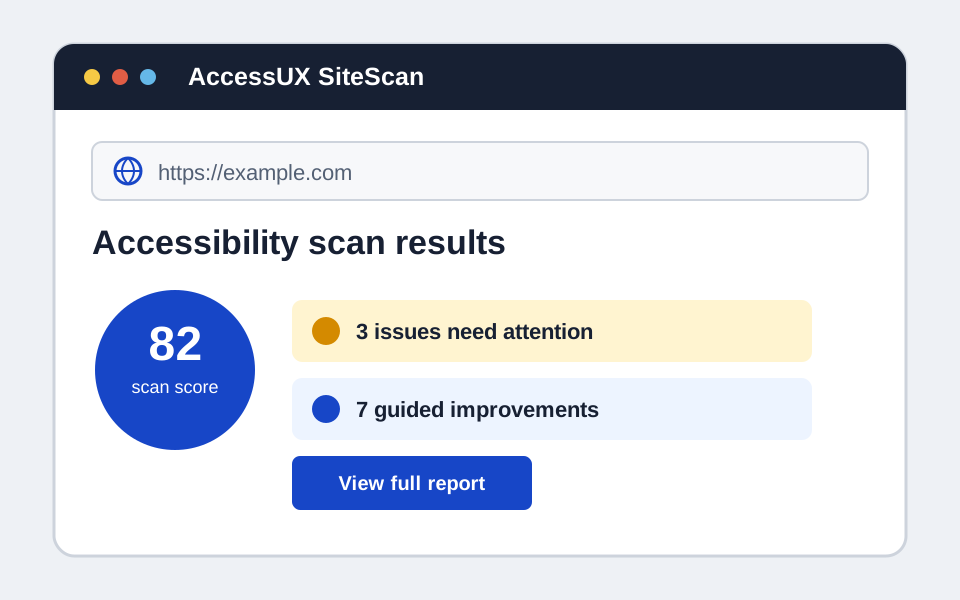
SiteScan report showing an accessibility score and prioritised findings

Figma plugin

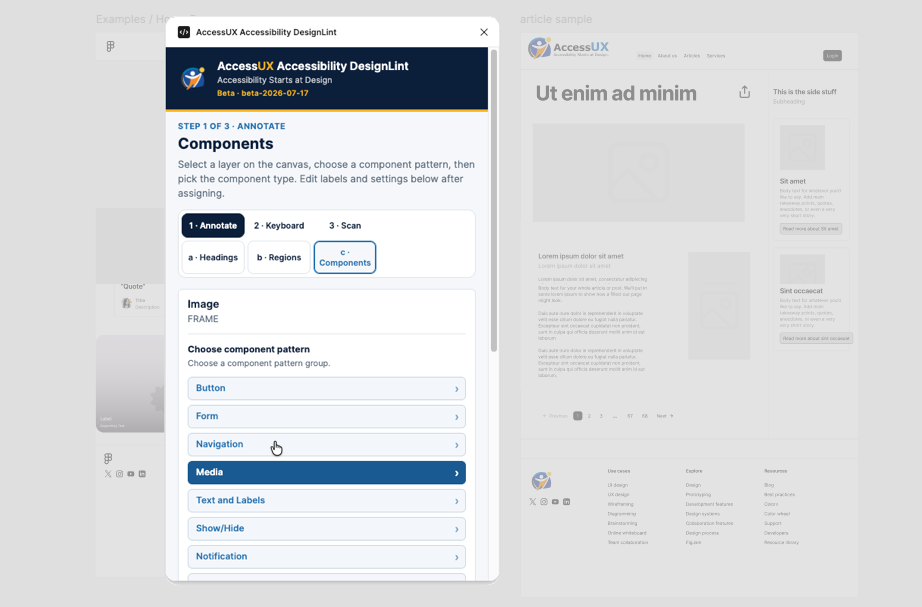
AccessUX Accessibility DesignLint

Annotate headings, regions and components in Figma, then check designs against WCAG 2.2 so developers have everything they need at handover.

Explore DesignLint
DesignLint plugin open alongside a design in Figma

Requirements & Checklists

Focused prompts to help you put accessibility into practice.

  • Accessible Content Checklist

    A practical WCAG-based checklist for content creators, editors and anyone involved in publishing digital content.

  • ICT Buyer Evaluation Checklist

    Start evaluating the accessibility of ICT products and services before you buy, using WCAG and AS EN 301 549.

Standards & Resources

Information and guidance we use and reference regularly.

Standards

Resources