Published:
Accessibility often gets lost between design and development. AccessUX DesignLint helps teams make accessibility intent visible in Figma, reduce handover guesswork, and catch issues earlier in the design workflow.
Designers want their work to be useful, usable and accessible. When a product is easier to understand, navigate and operate, it works better for more people — including people who use keyboards, screen readers, magnification, voice control, touch, or other assistive technologies.
But accessibility can still fall through the cracks between design and development. A screen may look polished in Figma, yet still leave developers guessing about heading structure, landmarks, focus order, component purpose, or interaction details. Those gaps often show up late in QA, when fixes are more expensive — or worse, after launch, when people are already struggling to use the product.
The problem: accessibility is often implied, not specified
A design file can communicate layout, colour, typography and spacing very clearly. It does not always communicate meaning. Developers may not know which text is intended to be a heading, which areas are landmarks, which elements are interactive, or how a component should be exposed to assistive technology.
When these decisions are left implicit, teams rely on assumptions. Sometimes those assumptions are correct. Often they are incomplete. The result can be avoidable rework, inconsistent implementation, and experiences that work for some people but not for everyone.

The shift: make accessibility visible in the design file
The better approach is to build accessibility into the design workflow from the start. That means using accessible patterns, documenting intent clearly, and giving developers the information they need before implementation begins.
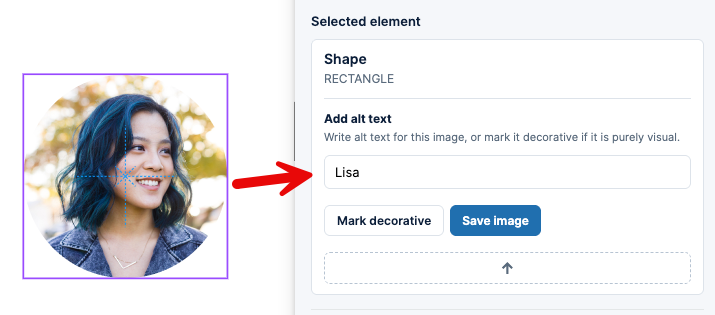
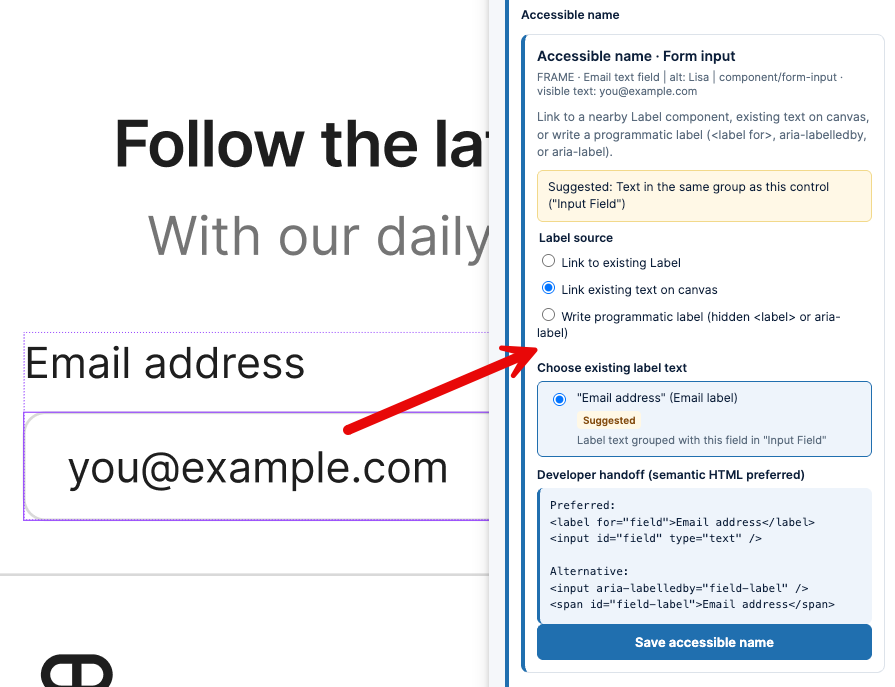
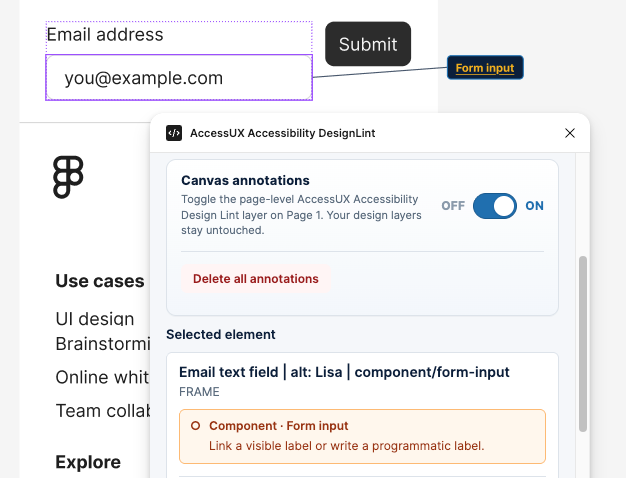
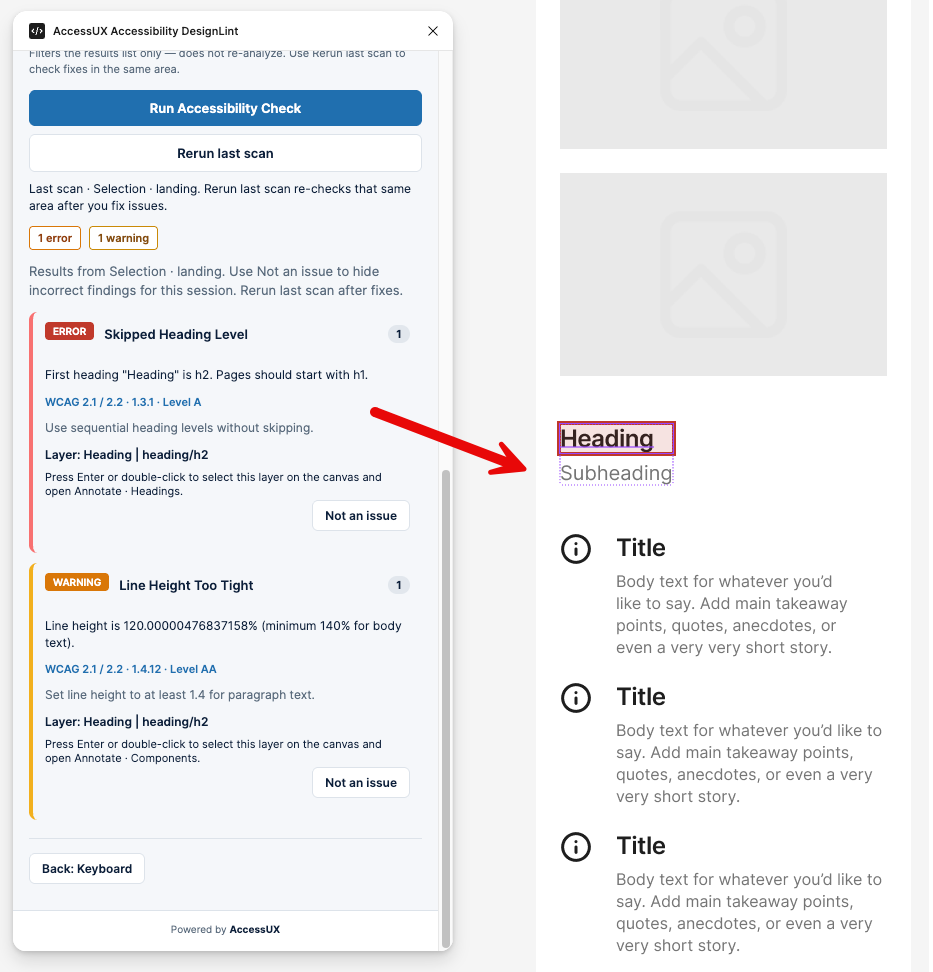
AccessUX DesignLint is a Figma plugin created to support that shift. It helps designers mark up key accessibility information directly in Figma, keep annotations visible on the canvas, and scan pages for WCAG 2.2 issues while the design is still being shaped.
What DesignLint helps you do
- Mark headings so page structure is clear.
- Identify landmarks so developers understand the intended regions of the interface.
- Annotate interactive components so behaviour and purpose are easier to implement correctly.
- Keep accessibility notes on the canvas where designers, reviewers and developers can see them.
- Scan designs for WCAG 2.2 issues before handover.
This does not replace accessibility expertise, user research, usability testing or engineering checks. It does help teams catch more issues earlier, reduce ambiguity, and make accessibility part of everyday design practice rather than a late-stage review activity.
Why it matters
Accessibility is easiest to improve when teams can see it, discuss it and act on it early. By making structure and interaction intent explicit inside Figma, DesignLint helps designers and developers work from the same understanding.
That means fewer surprises in QA, clearer handover conversations, and a stronger foundation for products that more people can use with confidence.
Try DesignLint in public beta
AccessUX DesignLint for Figma is free to use while in public beta. Try it in your next design file, test it with your team, and share feedback to help shape the tool.
Learn more and try the AccessUX DesignLint plugin today.
Services
- Products you make: Get the support and guidance you need to design and build better digital experiences that everyone can use.