Accessibility and Inclusive Design
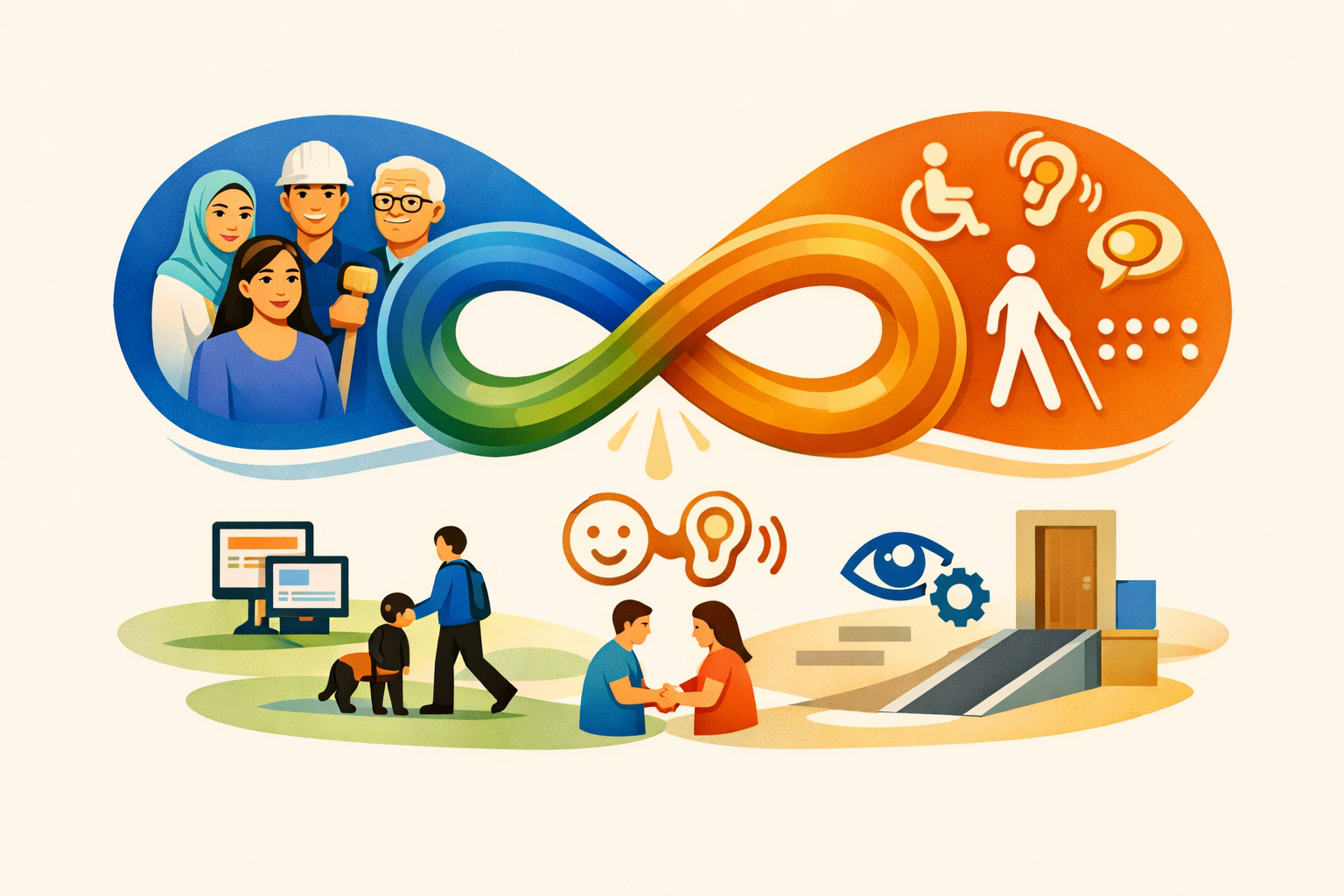
Inclusive Design is the process... Accessibility is the outcome.
What is Digital Accessibility?
Digital accessibility is the practice of designing and building digital products—websites, apps, documents, and online services—so that everyone can use them, including people with disabilities. It ensures users can perceive, understand, navigate, and interact with digital content regardless of their abilities, devices, or context.
Yes, there are legal requirements surrounding digital accessibility but digital accessibility isn't just about compliance. It's about creating digital experiences that are usable, inclusive, and respectful of all people.
Why Digital Accessibility Matters
- Inclusion and equity: People with disabilities can independently access information, services, education, and employment.
- Better user experience for everyone: Clearer content, predictable navigation, and flexible interaction patterns benefit all users—including those on mobile devices, older users, and people in temporary or situational limitations.
- Legal and policy requirements: Australia, and much of the developed world, require accessible digital services. WCAG 2.2 AA is the most commonly referenced standard in government procurement and compliance frameworks.
- Business value: Accessible products reach more customers, reduce support costs, and strengthen brand trust.
Who Benefits from Digital Accessibility?
Digital accessibility supports people with disabilities including:
- Visual: blind, low vision, colour blindness
- Auditory: deaf or hard of hearing
- Motor: limited dexterity, alternative input devices
- Cognitive: learning differences, memory, attention, processing
- Speech: users who rely on non verbal input methods
But it also benefits a much wider range of users, including:
- People in changing or challenging environments such as bright sunlight, low bandwidth, noisy spaces, one handed use, or multitasking.
- Older People, new Technology Users and wherever clear language, consistent layouts, and predictable interactions reduce cognitive load.
What Does Accessible Design Look Like?
Examples of accessibility in practice:
- Text alternatives for images and icons
- Keyboard accessible navigation and controls
- Readable content with clear headings, good contrast, and plain language
- Accessible forms with labels, instructions, and meaningful error messages
- Captions and transcripts for video and audio
- Consistent navigation and predictable interaction patterns
- Robust code that works with assistive technologies such as screen readers
Accessibility Standards (WCAG and More)
Digital accessibility is guided by internationally recognised standards such as the Web Content Accessibility Guidelines (WCAG) that define testable criteria for making digital content accessible. WCAG is organised around four principles: Perceivable, Operable, Understandable, and Robust (POUR). Each principle has specific guidelines and success criteria at three levels of conformance: A, AA, and AAA. WCAG 2.2 AA is the most commonly referenced standard in government procurement and compliance frameworks, including AS EN 301 549 in Australia.
What Is Inclusive Design?
Inclusive design is a design philosophy that considers the full range of human diversity from the very beginning of a project. It focuses on understanding user needs, removing barriers early, and designing solutions that work for as many people as possible.
Inclusive design is proactive. It asks "who might be excluded by this design decision, and how can we include them?". It emphasises the imperative of human centred research, codesign with people with disabilities, flexible, adaptable interfaces, and designing for edge cases that improve the experience for everyone
How Inclusive Design Differs from Accessibility
Inclusive design and accessibility are closely related, but they are not the same.
Inclusive Design is a design approach. It starts at the earliest stages of ideation and UX, and focuses on understanding diverse users and preventing exclusion.
Accessibility is a set of standards and practices that ensure digital products can be used by people with disabilities. It is often applied during development and testing to meet specific criteria defined in standards like WCAG. Accessibility is ideally the outcome of inclusive design, however it can be achieved through retrofitting or remediation efforts if needed.
How They Work Together
Both are essential for creating digital products that are truly usable and inclusive. Inclusive design sets the direction, while accessibility ensures the result meets recognised standards and works for everyone. When done well, they work together to create digital experiences that are not only compliant but genuinely inclusive and delightful for all users.
A simple way to express the relationship: Inclusive design is the process. Accessibility is the outcome.
Organisations that embrace both inclusive design and accessibility are more likely to create products that resonate with a wider audience and achieve greater success in their accessibility journeys.
Digital Accessibility Is an Ongoing Practice
Accessibility isn't a one off project. It requires:
- Designing with inclusion in mind
- Building with accessible code and components
- Testing with assistive technologies and real users
- Maintaining accessibility as content and features evolve
When accessibility is embedded into everyday workflows, it becomes part of delivering quality, user centred digital experiences.